


Digishare 4.0 – Translations That Fit Every Need
Translations like never before

AI translation has been one of the most revolutionary tech advances for retail in the 2020s. So, as you would expect, Digishare 4.0 is fully set up for you to automatically translate everything in your PDP. It’s faster and cheaper, and when it comes to localisation, why would you look anywhere else?
…Right?
The truth that is often so hard to admit is that… things can turn out a little off. Sure, you might still need text reviewed by someone fluent in the language to notice any skipped nuance and inelegant phrasing, but at least text is straightforward to vet and edit where need. Images, however…
Image translations have come a long way even in the last 18 months. The ability to upload a compressed .jpg and get any incorporated text:
- stripped out
- translated
- reformatted
- re-integrated into the existing background and elements
…would have been almost unthinkable just a few short years ago, let alone within the reach of someone preparing international product launches on a tight budget.
But these images sometimes come back… wrong.
Often, it’s a minor issue. Maybe the text sizing and placement isn’t quite right. Perhaps the font is similar but off. Maybe the background elements have some colour changes, or some weird pixelation.
Sometimes it’s all these at once.
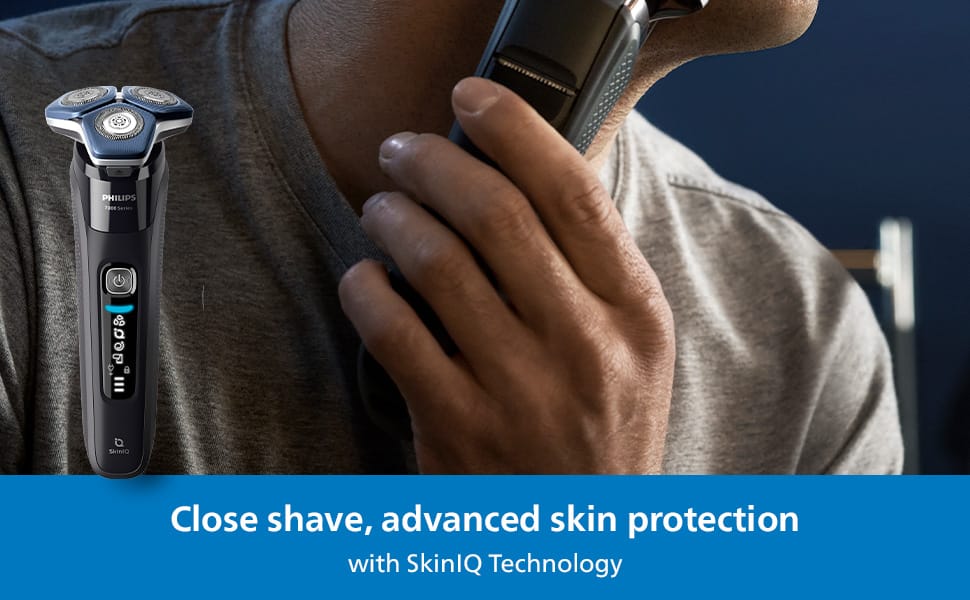
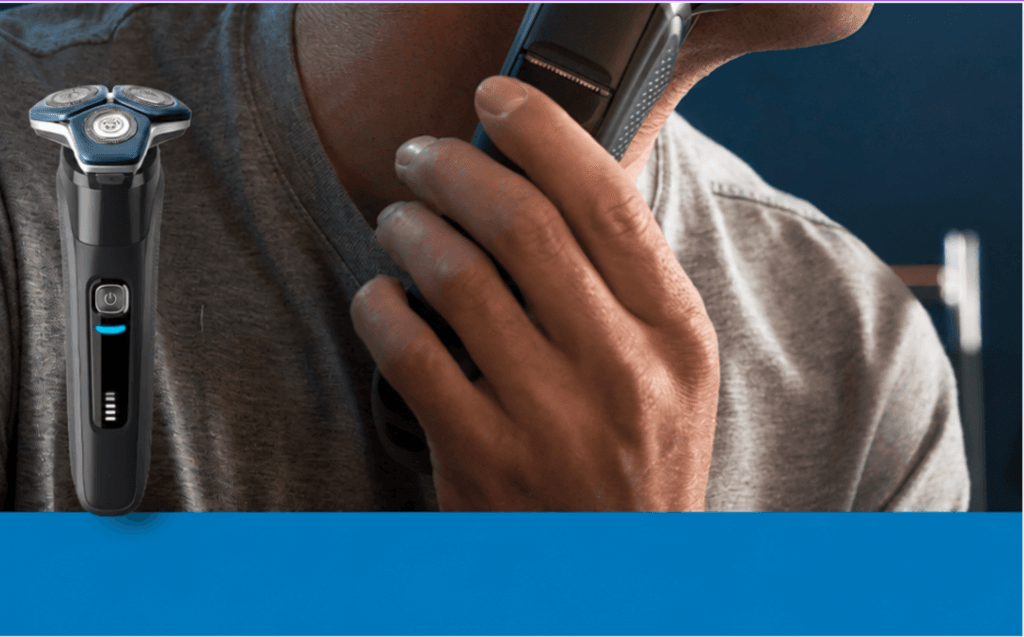
Unlike straight text copy, fixing this isn’t simple, especially if you began with a simple jpg. Often, it requires a designer to even identify all the issues present, let alone fix them. Most people will return to the prompt repeatedly, hoping that this time it will resemble something close to the original.
The Digishare 4.0 difference
Image translation on our site can be done fully automatically, but we have the flexibility to allow you different approaches. For instance, why not assemble your images inside of our platform?
Upload a master background and key product elements and then upload the text overlay. By separating these elements out, you can auto-translate the text and keep the original font, placement and spacing from the original design. It’s simple to edit, allowing you adjust to meet the needs of differing character counts. And it’s fast. That master background and text can be used throughout our tool to help you populate all your language variations with assets that are as accurate and attractive as those you created in house.
Your brand identity is one of your most valuable tools in cultivating a customer base, so why risk it on tools that have little understanding of it and can so easily suck you into a time-sink of endless repetition and rejection?
By using Digishare 4.0, you can take advantage of the speed of the latest technology, while giving yourself the freedom to tweak and change on the fly, safe in the knowledge that all changes can be gated behind a robust approval workflow.
Digishare 4.0 image translations: Speed without the sacrifice