


Digishare 4.0 – Shared Assets Make Updating Easier
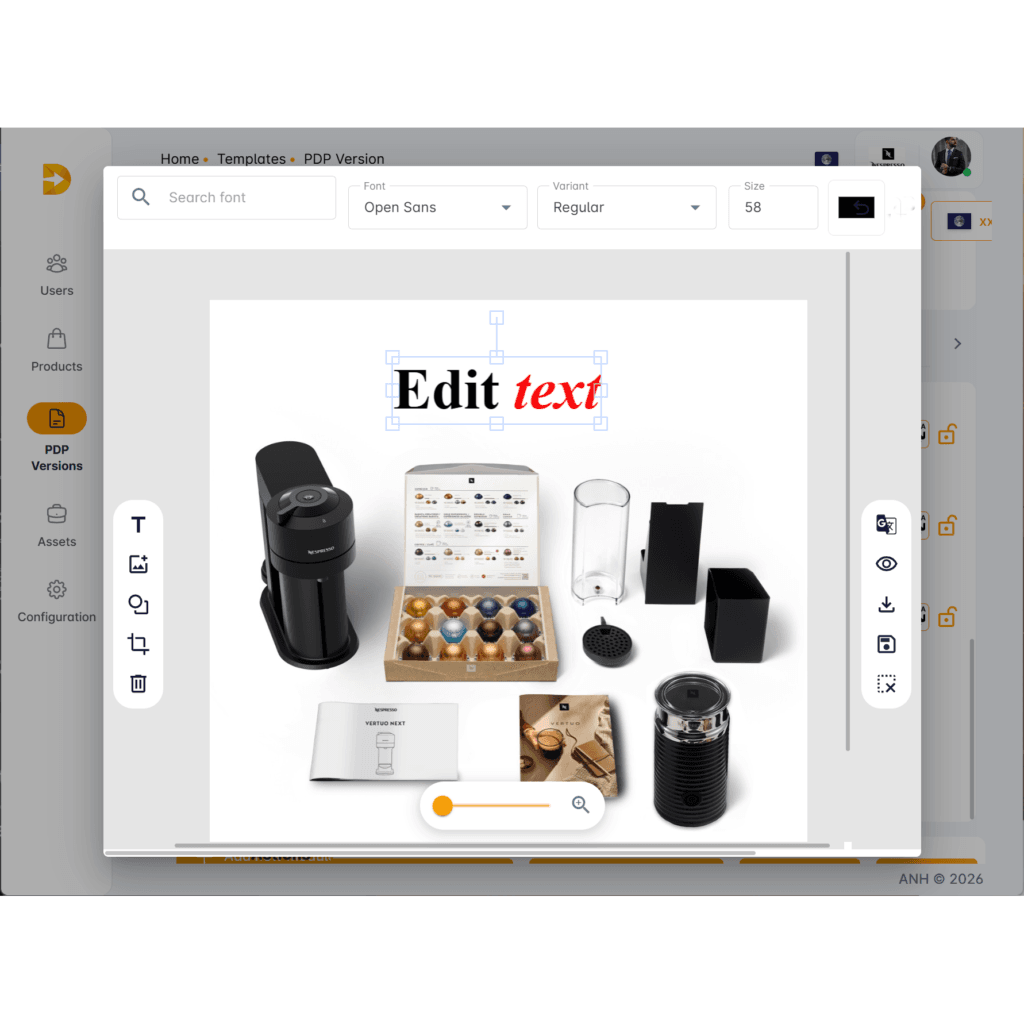
Shared Assets Make Updating Easier
One of the key new features of Digishare 4.0 is the ability to use shared assets across multiple PDPs. By assigning a single image or asset in our system to multiple products, it allows for:
- Easy tracking and auditing of existing assets
- The ability to modify or replace an asset across multiple product lines in a single action
What are the benefits?
Imagine being tasked with updating a product image to reflect a post-launch amendment to the specifications. This image appears on all 40 PDPs for this product range, across multiple marketplaces. Rather than having to perform the same task 40 times, with Digishare 4.0 you only have to replace the image once – this change will then be reflected across all PDPs in your range. Simple.
But! What if you have a promotional banner featuring a licenced image of a celebrity endorsement? One day, the licence period for it will end, and it will have to be removed from anywhere it appears online. You will have to replace every single instance of this image across all product ranges – and you don’t even know which pages/products it appears on!
By utilising Digishare 4.0’s shared asset system, you’ll instantly know where every version of that image appears, allowing you to change or replace all of them with ease.
But what if you want to make exceptions? Change in one market but not another? Well, that’s simple too. Digishare accommodates either approach to asset management, or a mixture of the two. This means you get both the power to make instant changes on your most widespread assets, and flexibility where you need it most.
Simple.